AI Chatbots, Copilots and AI Agents: What Is the Difference?
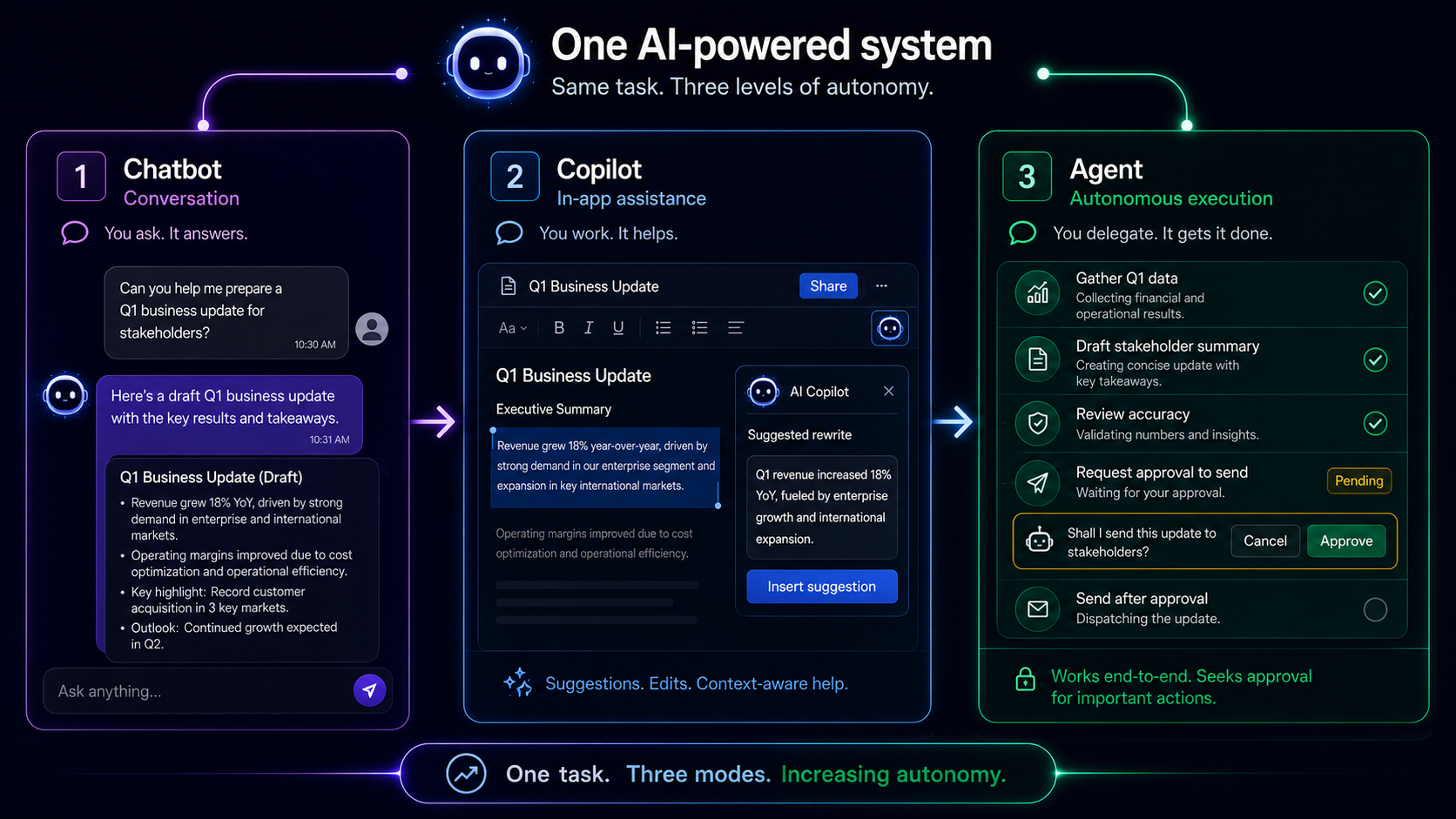
One AI answers your questions. Another helps inside the apps you already use. A third can take a goal, work through several steps and complete parts of the task on your behalf.
They may all appear inside a similar chat window, but the way they work is quite different.
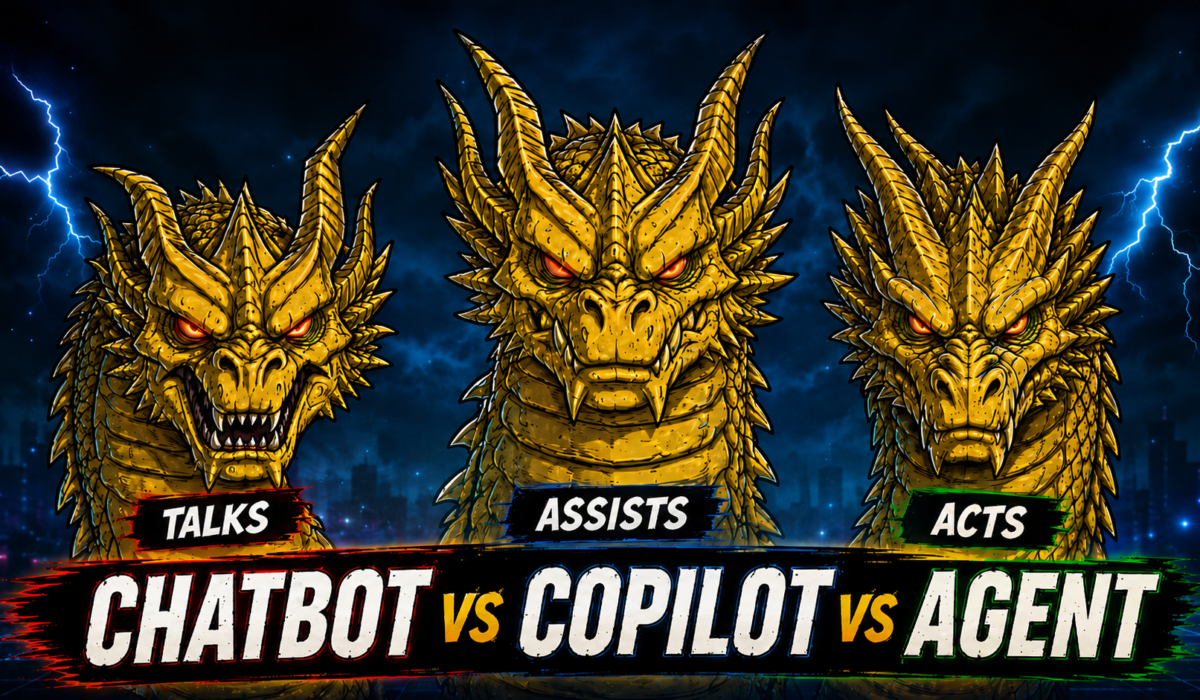
Chatbot: Best for conversations, questions and quick assistance.
Copilot: Best for helping you while you work inside an app.
AI agent: Best for handling a goal that involves several connected steps.
What Is an AI Chatbot?
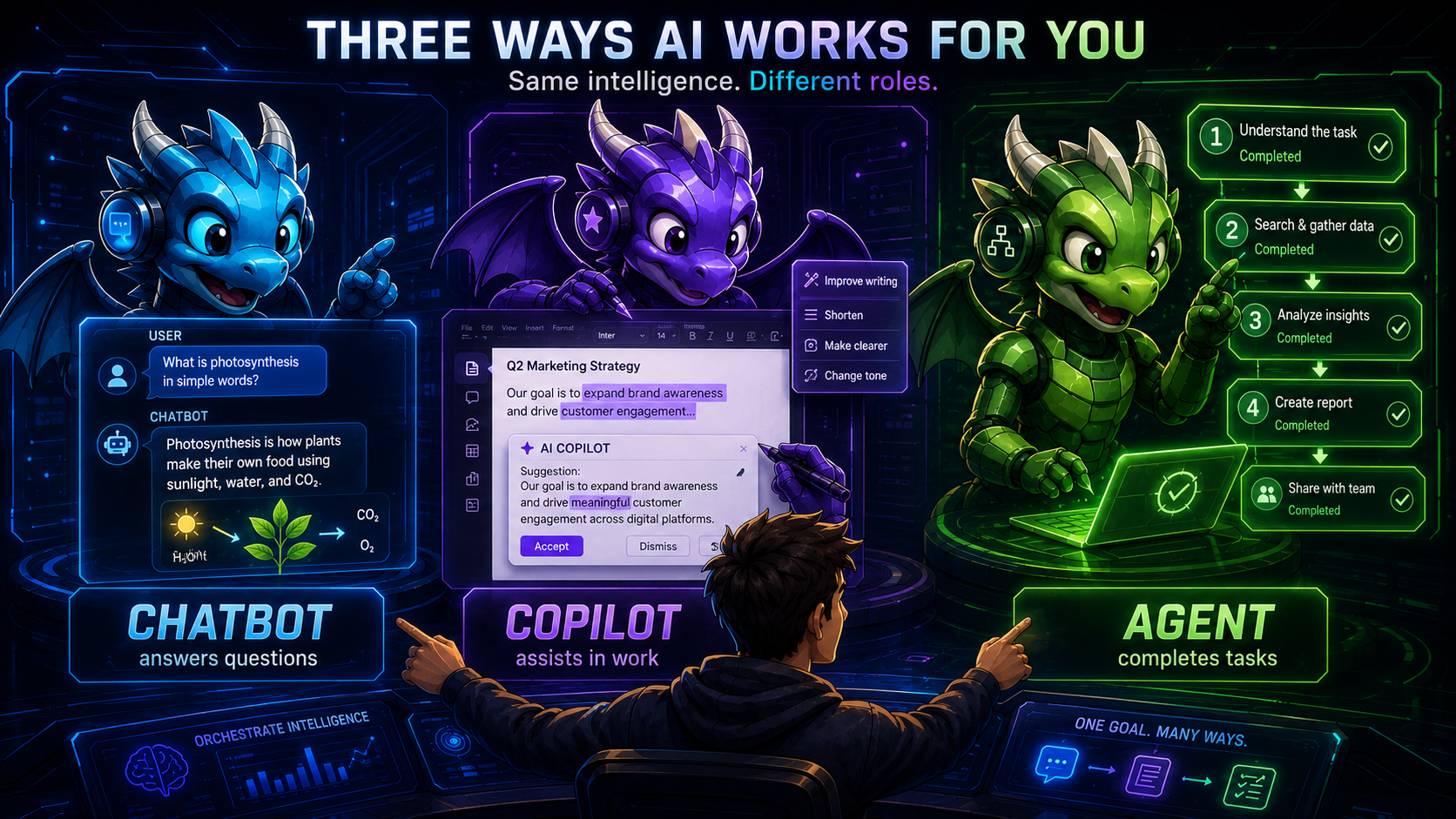
An AI chatbot is a software tool that communicates with you through text or voice. The experience feels similar to speaking with a digital assistant that can understand your request and respond in a conversational way.
Behind the chatbot is an AI model such as GPT, Claude or Gemini. The model acts as the engine that processes your instructions, while the chatbot is the interface through which you interact with it.
You can use a chatbot to explain a difficult topic, summarise information, rewrite an email, translate text, brainstorm ideas or answer questions. You can also continue the conversation by asking follow-up questions or changing your instructions.
However, a chatbot should not be treated as an unquestionable source of truth. It may misunderstand your request, provide outdated information or generate an answer that sounds convincing but is incorrect. Important details should still be checked through reliable sources.
What Is an AI Copilot?
An AI copilot is designed to help inside the software you are already using. Instead of opening a separate chatbot, you can receive assistance without leaving your document, spreadsheet, email application, presentation tool or coding editor.
For example, a copilot inside a document editor can improve a paragraph or change its tone. Inside a spreadsheet, it may help analyse data or identify patterns. In a coding tool, it can suggest code, explain errors or complete repetitive sections.
The main idea is that the AI understands the task currently in front of you and offers relevant help at the right moment. You remain responsible for reviewing the suggestion and deciding whether it should be used.
A useful way to think about a copilot is as an experienced coworker sitting beside you. It can speed up the work and point you in the right direction, but you are still the person making the final decisions.
What Is an AI Agent?
An AI agent can work towards a goal by handling several connected steps. Instead of waiting for you to guide every action, it can decide what needs to happen next, use available tools and continue until it reaches a result or requires your approval.
This type of process is often described as a multi-step workflow.
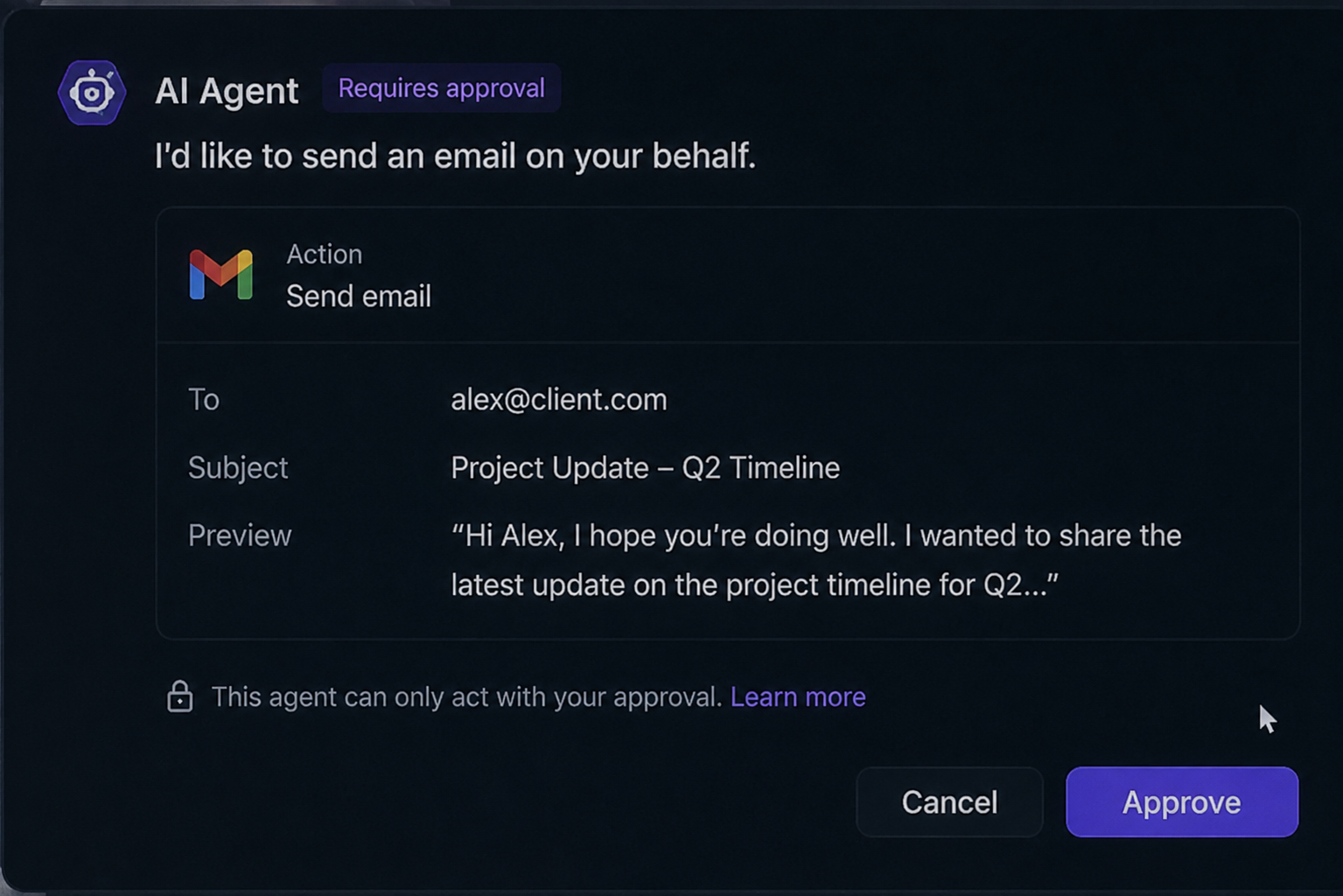
Imagine asking an AI agent to organise a business trip. It could research flights and hotels, compare prices, check your calendar and prepare an itinerary. Before making a booking or payment, a responsibly designed system should stop and ask for confirmation.
An agent’s abilities depend on the tools, accounts and information connected to it. It cannot automatically access your private files, emails or payment details unless those services have been connected and the required permissions have been granted.
It is best understood as a digital assistant that can take responsibility for more of the process while leaving important or sensitive decisions under your control.
Why Are the Lines Becoming Blurred?
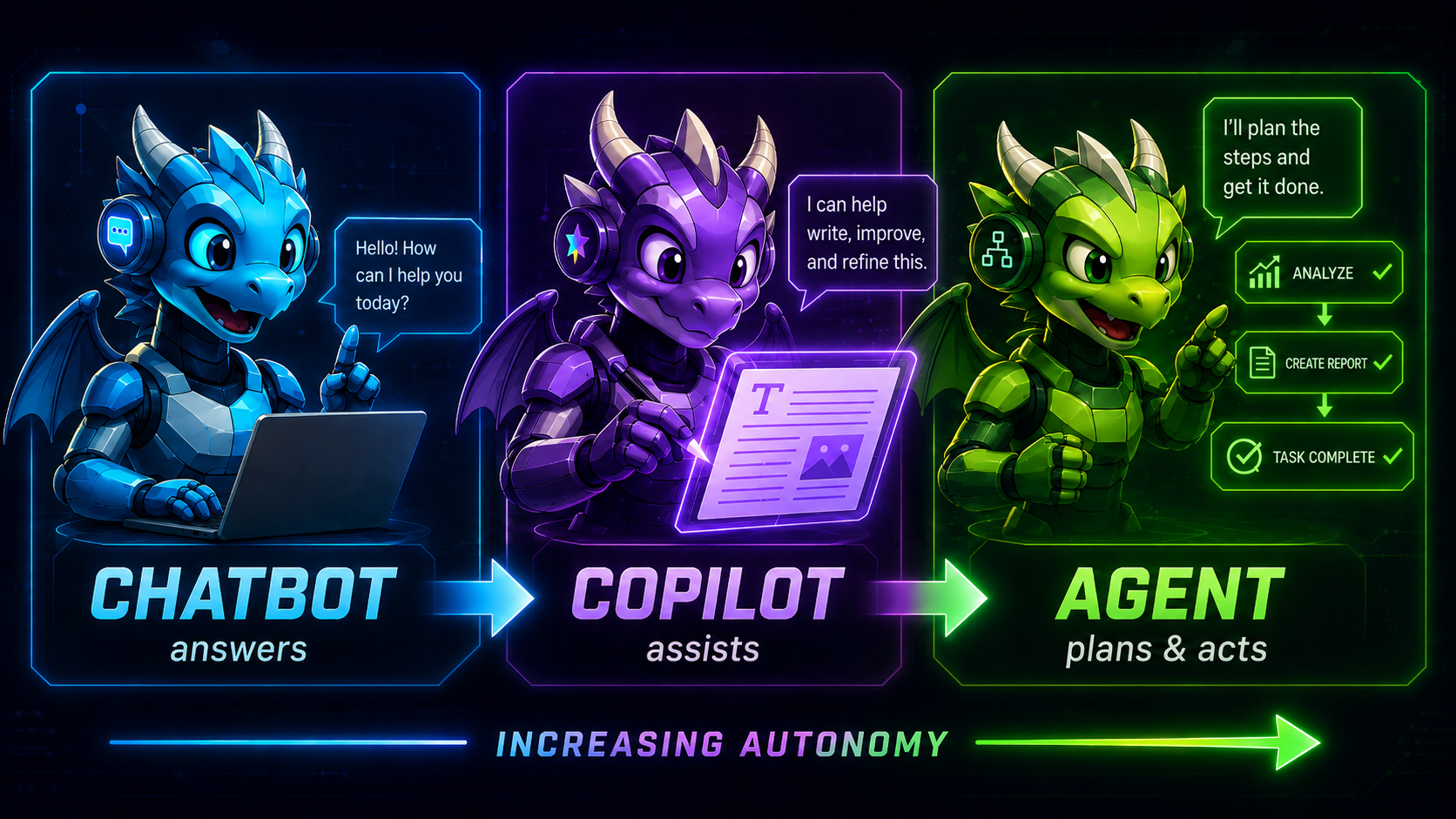
The distinction can feel confusing because many modern AI products combine chatbot, copilot and agent features inside one system.
You might begin by asking the AI a question, which makes it behave like a chatbot. You could then use it to rewrite a document or analyse a spreadsheet, which feels more like a copilot. Finally, you might allow it to use connected tools and complete a longer task, giving it agent-like abilities.
Because these roles overlap, the name used by a company does not always explain what the product can actually do. A tool marketed as a chatbot may contain agent features, while a product called a copilot may be able to manage complex workflows.
Rather than focusing only on the label, look at its actual capabilities. Check what information it can access, which actions it can perform and when it must ask for your approval.
Why Does the Difference Matter?
Understanding the difference helps you set the right expectations and use each type of AI more safely.
With a chatbot, you usually guide the conversation and check the answers yourself. A copilot helps within a particular app or workflow. An agent may carry out several actions, so you need to understand the limits you have placed around it.
This becomes especially important when personal or workplace data is involved. A basic chatbot may only see the information you type or upload. A workplace copilot could be connected to documents, emails or meeting notes. An agent may require access to several services to finish a task.
That extra access can make the system far more useful, but it can also increase privacy and security risks. Permissions should therefore be reviewed carefully, and the AI should only receive access to the information and tools it genuinely needs.
High-impact actions should also include clear approval steps. Sending public posts, changing account settings, making payments, deleting files or submitting legal information should never be handled as casually as drafting a summary.
OpenAI states that ChatGPT agent uses safeguards such as confirmations for high-impact actions, prompt-injection monitoring and supervised operation on certain websites. The company also explains that safeguards cannot remove every risk, which is why users should continue monitoring important tasks.
Which Type of AI Tool Should You Use?
Choose a chatbot when you need explanations, brainstorming, rewriting, summarisation, quick research assistance or a conversational way to explore a topic.
Choose a copilot when you want support inside an application such as a document editor, spreadsheet, email client, presentation tool or coding environment.
Choose an AI agent when the task involves several connected steps and you are comfortable giving the system access to the tools and information required to complete them.
The most advanced option is not automatically the best one. For a sensitive or important task, a simpler tool that keeps you involved at every stage may be the safer choice.
The Future Will Include All Three
Chatbots, copilots and AI agents are likely to remain useful because they solve different problems.
Chatbots will continue to make AI easy to access through conversation. Copilots will become more deeply integrated into everyday software. Agents will take on longer workflows that would otherwise require repeated manual effort.
The biggest change may be that users will no longer think of them as completely separate tools. One AI product could move between conversation, in-app assistance and multi-step execution depending on the task.
What will matter most is not the label on the product, but how much control it gives you and how clearly it explains what it is doing.
Final Takeaway
A chatbot is built around conversation. A copilot helps you inside an existing workflow. An AI agent can take responsibility for several steps needed to reach a goal.
The best tool is not necessarily the one that can do the most. It is the one that offers the right balance of usefulness, control and safety for the task in front of you.

